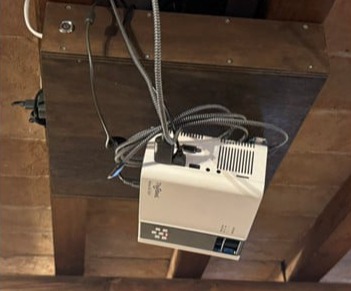
Projector
The projector and the DVD player is mounted in the ceiling of the lower living room.
The wall is used as screen for the projector.
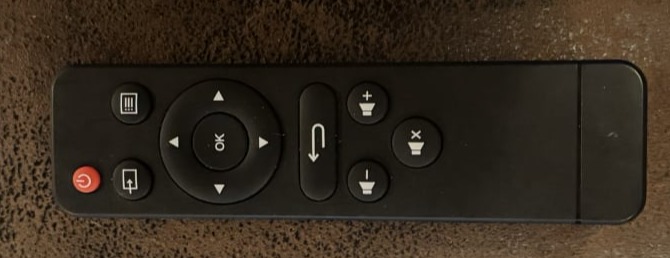
The projector is switched on by means of the projector remote controller.
The projector and the DVD player is mounted in the ceiling of the lower living room.
The wall is used as screen for the projector.
You will also find a GoogleChrome device which can be used to stream video to the projector.
The GoogleChrome is connected to the same WIFI as listed on the router.
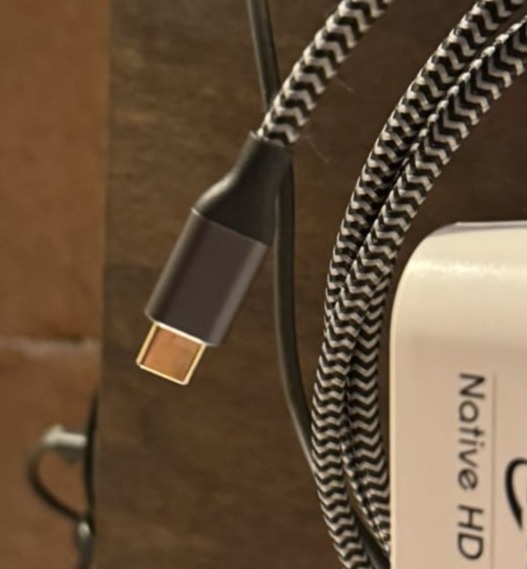
You can stream video from your iPhone using the display cable shown on the picture below.
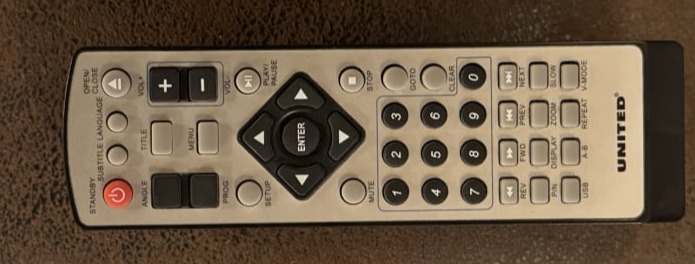
Above the projector there is a DVD player and you can find a small library of DVDs
Coming soon
On the shelves at the top of the stars to first floor you can find a small DVD library.

Website Builder Software